ENTRY
10
October 5, 2026
Intake Fit Testing, Gear Design & Drive Troubleshooting
Meeting Summary
Our game balls and AprilTags arrived, so we used them to size up the intake. We found that at one intake height we couldn't pick up both the big nectar balls and the smaller pollen balls. We first thought the intake gears needed to be bigger, but realized a more curved ramp would solve it instead. Sarah designed a new gear in FreeCAD and created a QR code for our website. We mounted the Core Hex motor for the intake chain drive and kept troubleshooting the drivetrain. Our coach, Phil Wyatt, was away, so assistant coach Joy Wyatt was with us. Most of the meeting was troubleshooting.
Parts Arrived
- Our game balls and AprilTags came today, so we could use the real game pieces to size things up instead of pickleballs
Intake Fit Problem & Solution
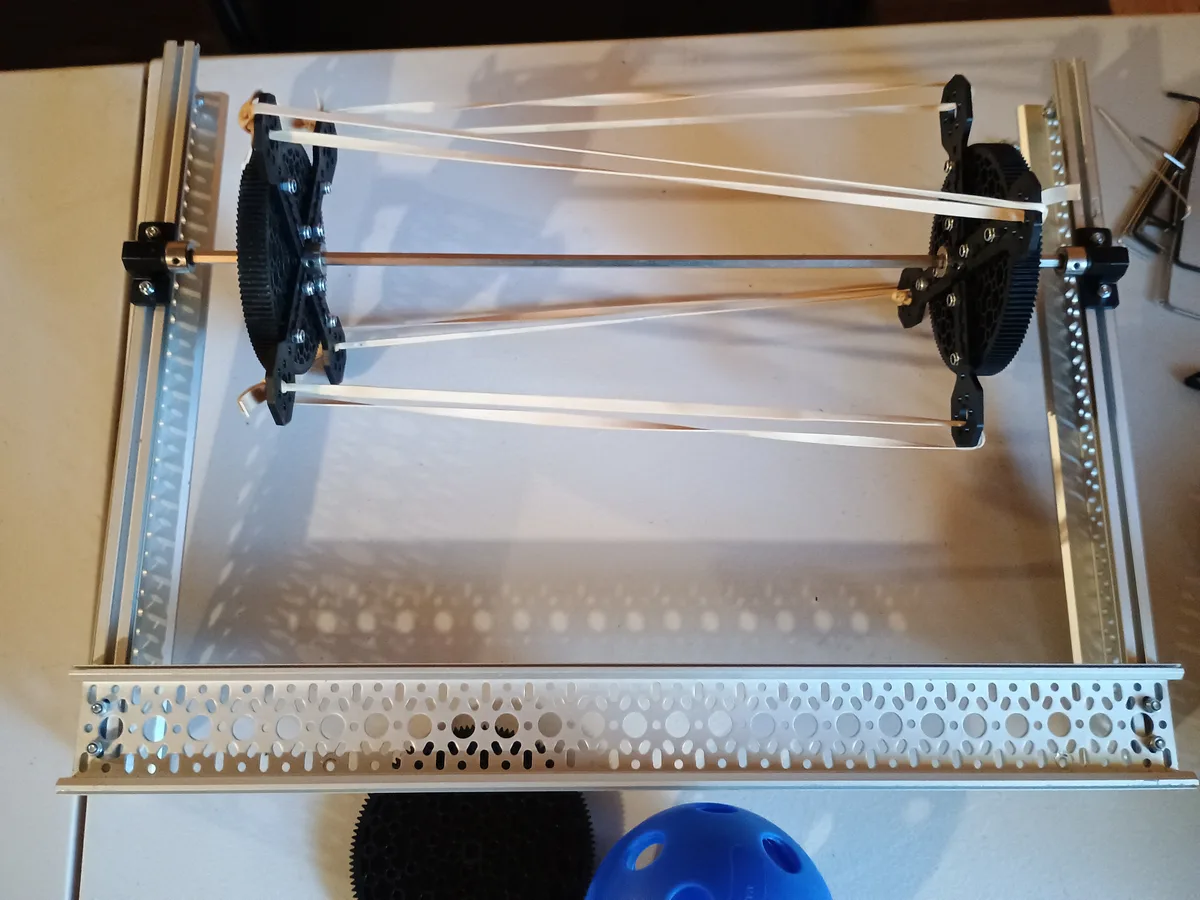
- Problem: if we raised the intake, the big nectar balls would fit, but the smaller pollen balls would not. If we lowered it, the nectar balls wouldn't fit under the shaft in the middle of the intake.
- Ideas: make the intake wheels bigger, or remove the middle shaft and connect the intake only at the sides
- With bigger intake gears, we thought we might have to shorten the robot so it wouldn't exceed the size limit. It turned out we didn't need bigger intake wheels after all.
- Solution: keep the middle shaft for now and change the ramp instead, making it more curved than straight
- We made a metal mock-up of a curved ramp and decided it would work well
Gear Design in FreeCAD
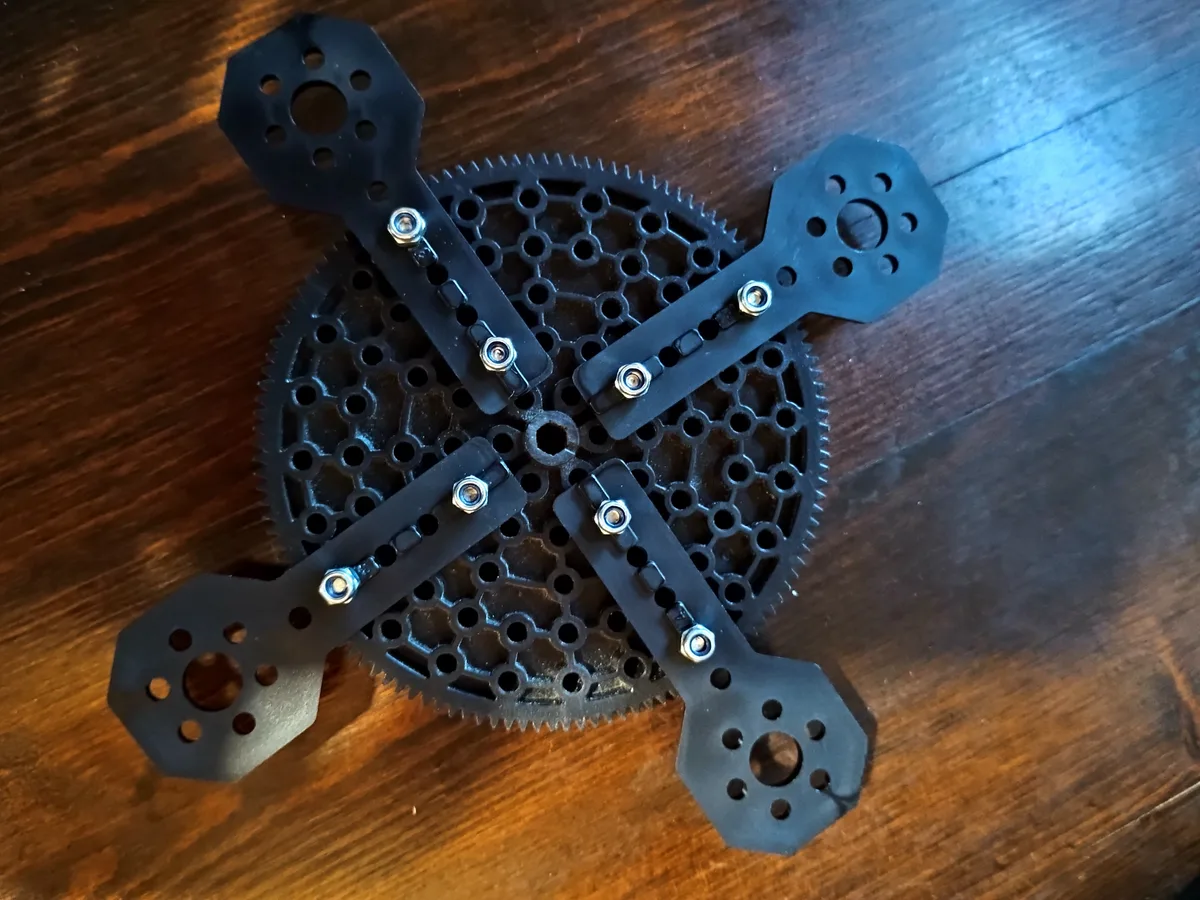
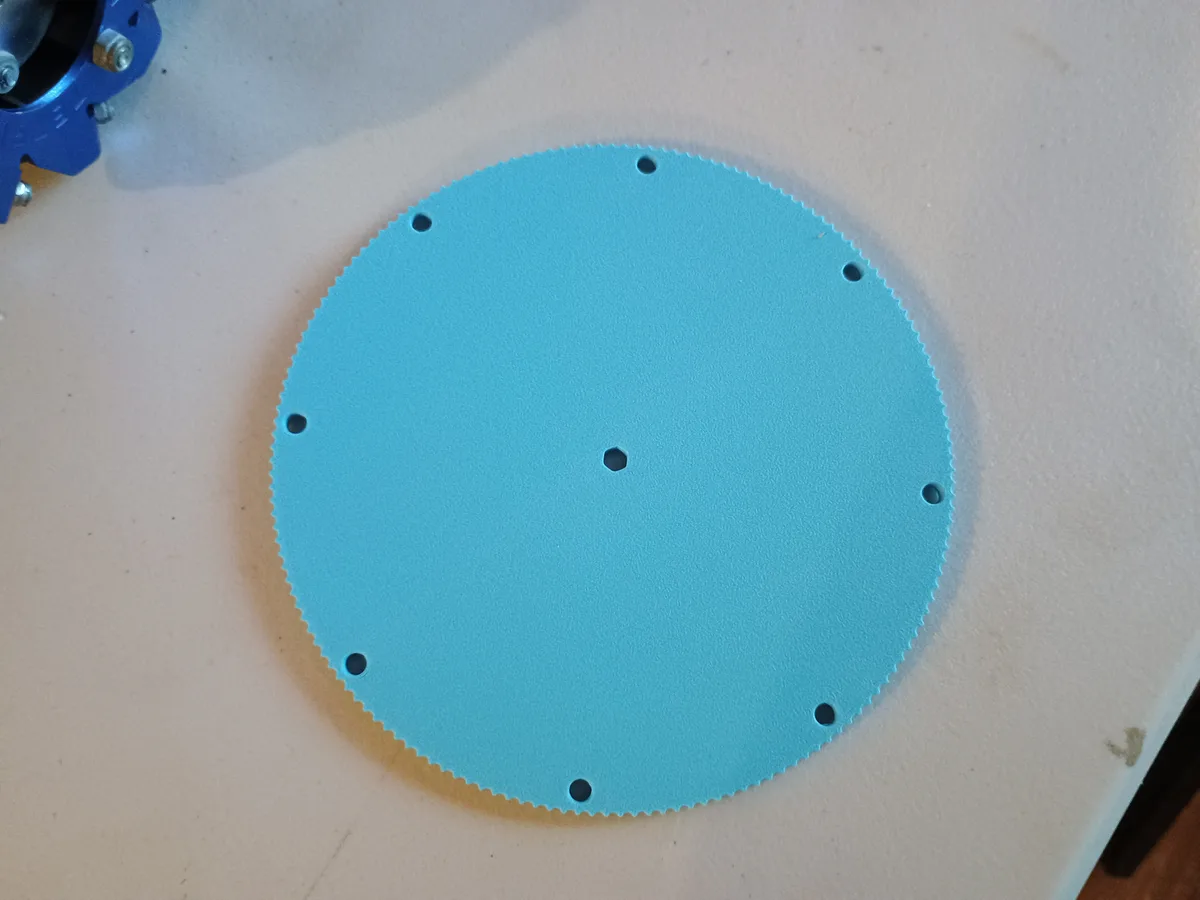
- Sarah designed a larger intake gear in FreeCAD with the assistance of Claude, because we thought the prototype gears needed to be bigger
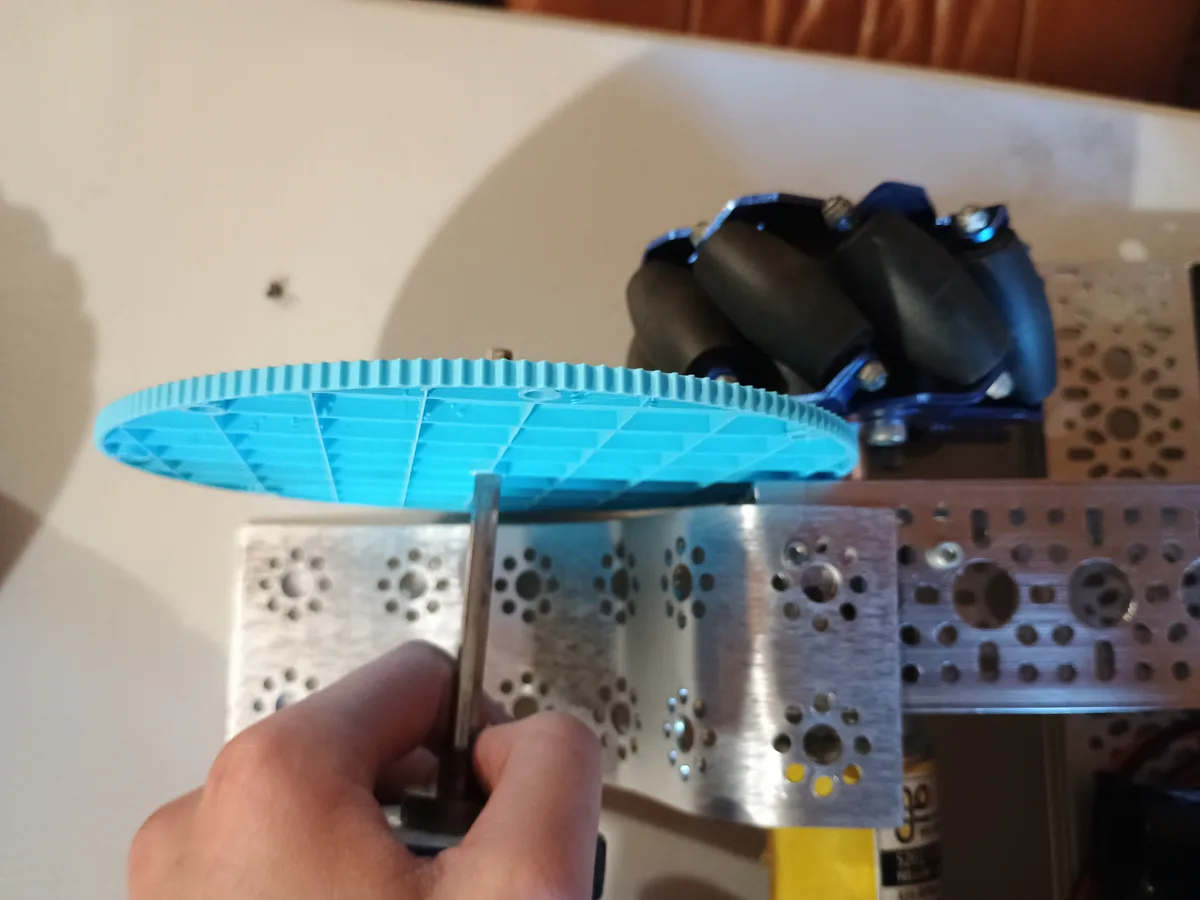
- By the end of the meeting, we realized the original gear diameter was fine. Only the thickness needs to change.
- Sarah will redesign the gear back to the original diameter and make it 5 mm thick instead of 10 mm, so it fits between the wheels and a beam
Build: Chassis & Intake Drive
- Took the robot apart, then realized we only needed to reshape the ramp, so we put it back together without other changes
- Mounted the Core Hex motor so a chain drive can spin the intake
- Flipped the wheels around into the correct X-shape alignment
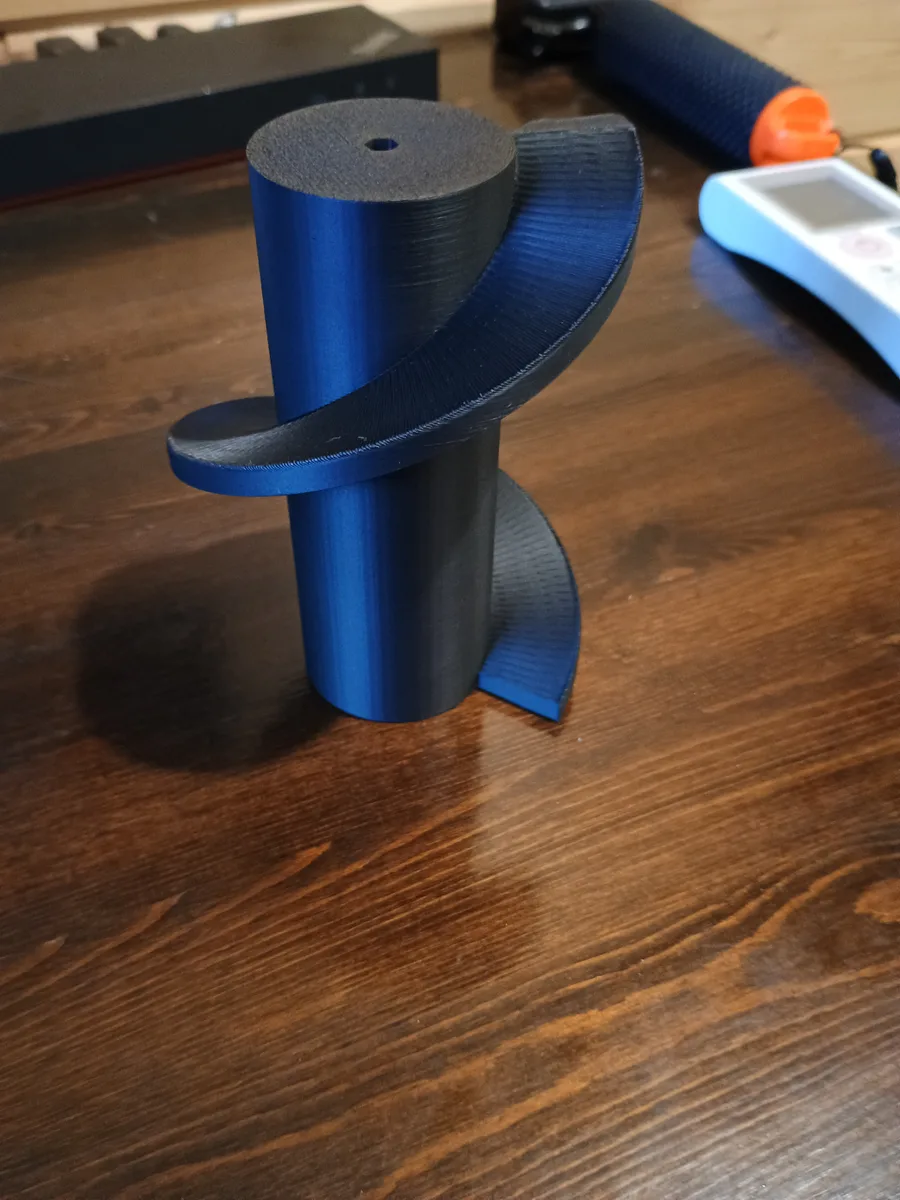
- Josh printed the reversed screw for carrying balls up to the shooter
Code & Drive Troubleshooting
- Swapped the motor wiring so the back wheels were plugged into the front wheel ports and vice versa, to see if that would fix the driving
- The robot still drove and turned incorrectly, and it didn't strafe correctly at all. We think the strafing problem came from the wiring swap.
- We'll probably switch the motor ports back to the original setup and keep troubleshooting
Game Field Mock-Ups
- The official hives and flowers are out of stock, so we're 3D printing the flowers and using PVC pipe for the stems
- We'll print only the flower parts (the top and bottom pieces), not the pipes
Strategy Discussion
- Discussed how to get the pollen out of the flower
- Talked about the shooter and realized we need to start working on it very soon
Supplies Needed
- Heavy-duty rubber bands for the intake
- PVC pipe for the flower mock-ups
Outreach: QR Code & Schedule Flyer
- Sarah created a QR code for our team that links to our website, and it works
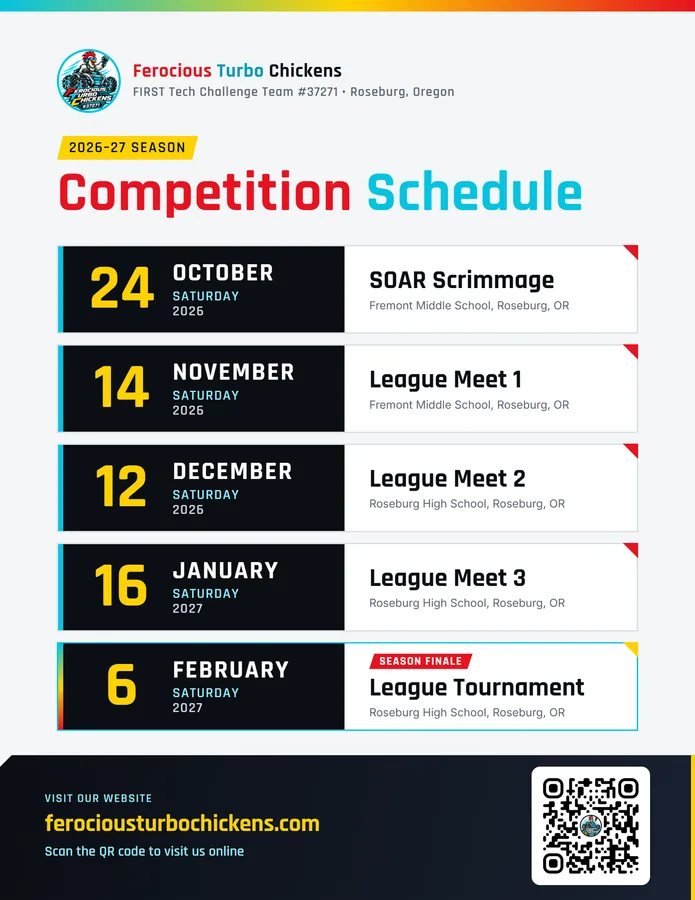
- Sarah also made a flyer of our 2026–27 competition schedule with the QR code, to give to Columbia Bank
Download the schedule flyer (PDF)

Homework / Action Items
- Josh: redesign the ramp to be more curved, and print the flower parts using the files Torin sent on Telegram
- Torin: look through the code, and possibly build a mock-up of the hive out of aluminum sheets
- Sarah: redesign the gear in CAD back to the original diameter and 5 mm thick, and print two; print Josh's redesigned ramp at 75% infill (strong enough, without extra weight); take the schedule flyer to Columbia Bank; possibly work on the code; and write up this notebook entry for the website
- Someone: call Cascade Community Credit Union to thank them for their donation and ask if we can put their logo on our website, shirts, and banner
This notebook was created with the assistance of Claude AI and Handy dictation software.